丁宇 | DING Yu
7 Fixes That Made My Website Faster and More Accessible
Background
I thought I knew web performance. I’ve been building websites for well over two decades. But when I ran Lighthouse on Kintoun, my little side project, the score was 58. Ouch.
I spent a couple of hours fixing various issues and got it up to 86. The whole process turned out to be eye-opening, even for me as an experienced web developer, so I decided to document it here.
About Kintoun (Yes, I love Dragon Ball)
Kintoun is a document translator I originally made for my wife. It uses LLM for translation and I somehow, accidentally, made it much better than Google Translate and DeepL, in terms of preserving document layout and formatting. I previously wrote about my learnings from making this little web app. The blog post was published by someone to Hacker News and even stayed on the front page for some time! Honestly, I found the whole thing surreal.
Anyway, if you haven’t heard of Kintoun, which is almost certainly true, go ahead and check it out.
1. Set up the baseline
The first thing for any optimization is to set up a baseline. So I ran Lighthouse and got this:
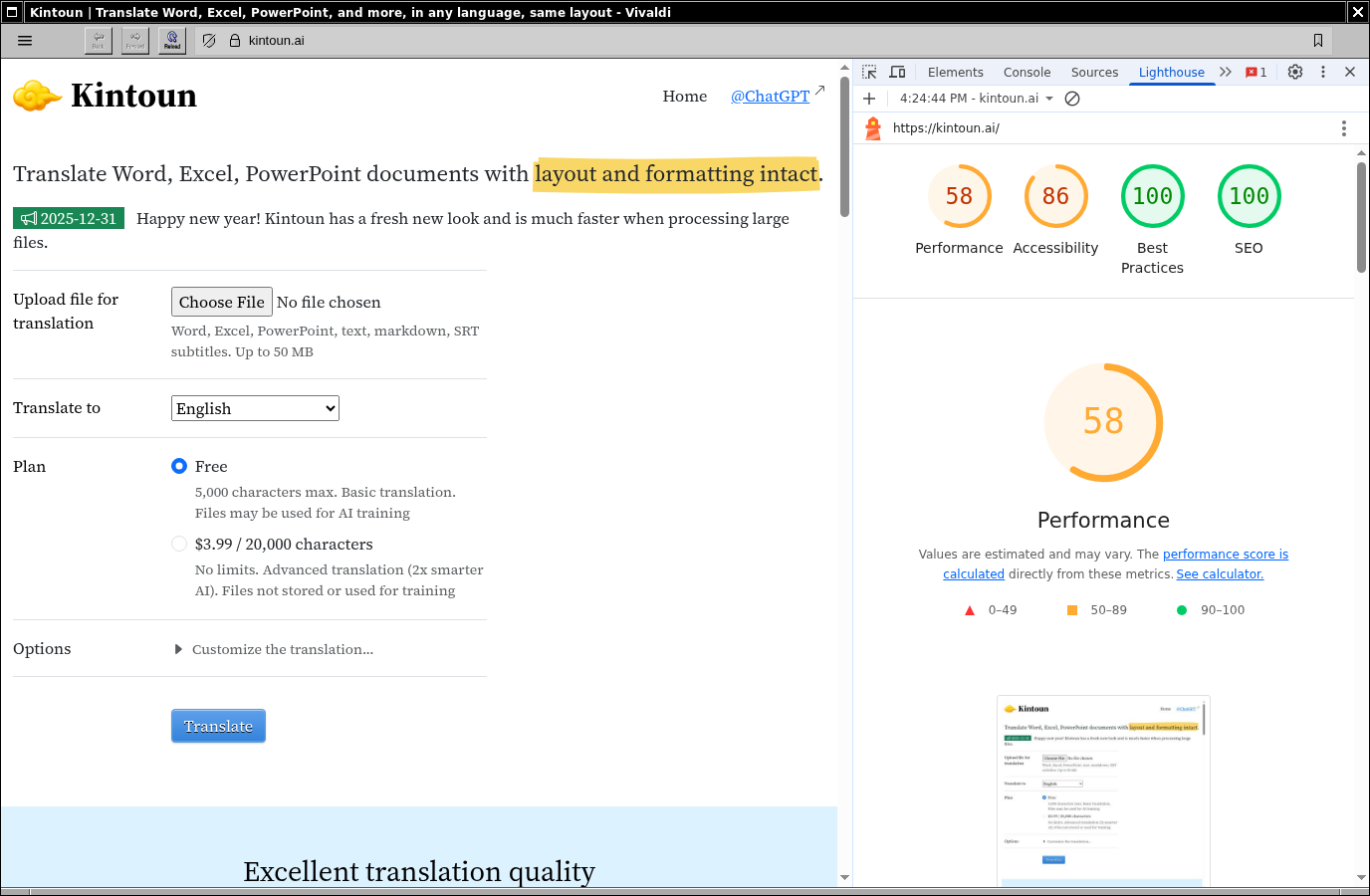 Initial Lighthouse score (desktop)
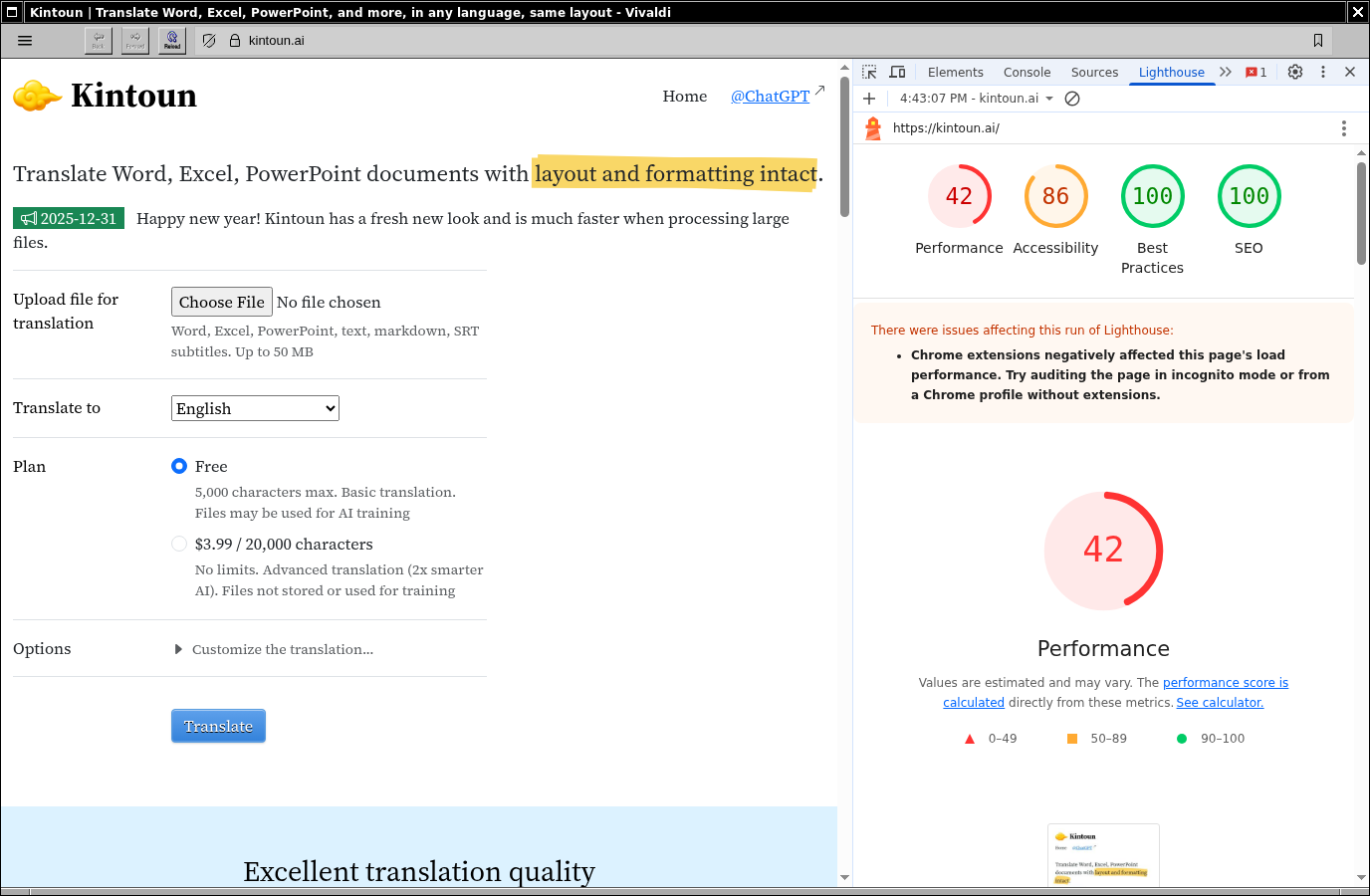 Initial Lighthouse score (mobile)
The score is pretty bad: 58. The report says speed is the biggest issue, with accessibility being the next. Basic SEO is fine, which is a bit surprising given that I didn’t pay special attention to the HTML structure during development.
Looking at Lighthouse’s analysis, I decided to tackle the easier ones first, the more obscure ones later.
2. Cache assets longer
Lighthouse told me the assets were only being cached for 4 hours, so visitors coming back would probably have to download them again.
Oh right! I used to set a much longer cache TTL in Nginx so this was never an issue. But I’ve since switched to Puma (I use Rails by the way) with Cloudflare in front, and had completely forgotten about setting a cache TTL.
Fixing the issue is quite straightforward - I changed the settings from 4 hours to 1 year on Cloudflare and ran Lighthouse again. The score went up from 58 to 67. Not bad for a one-minute fix!
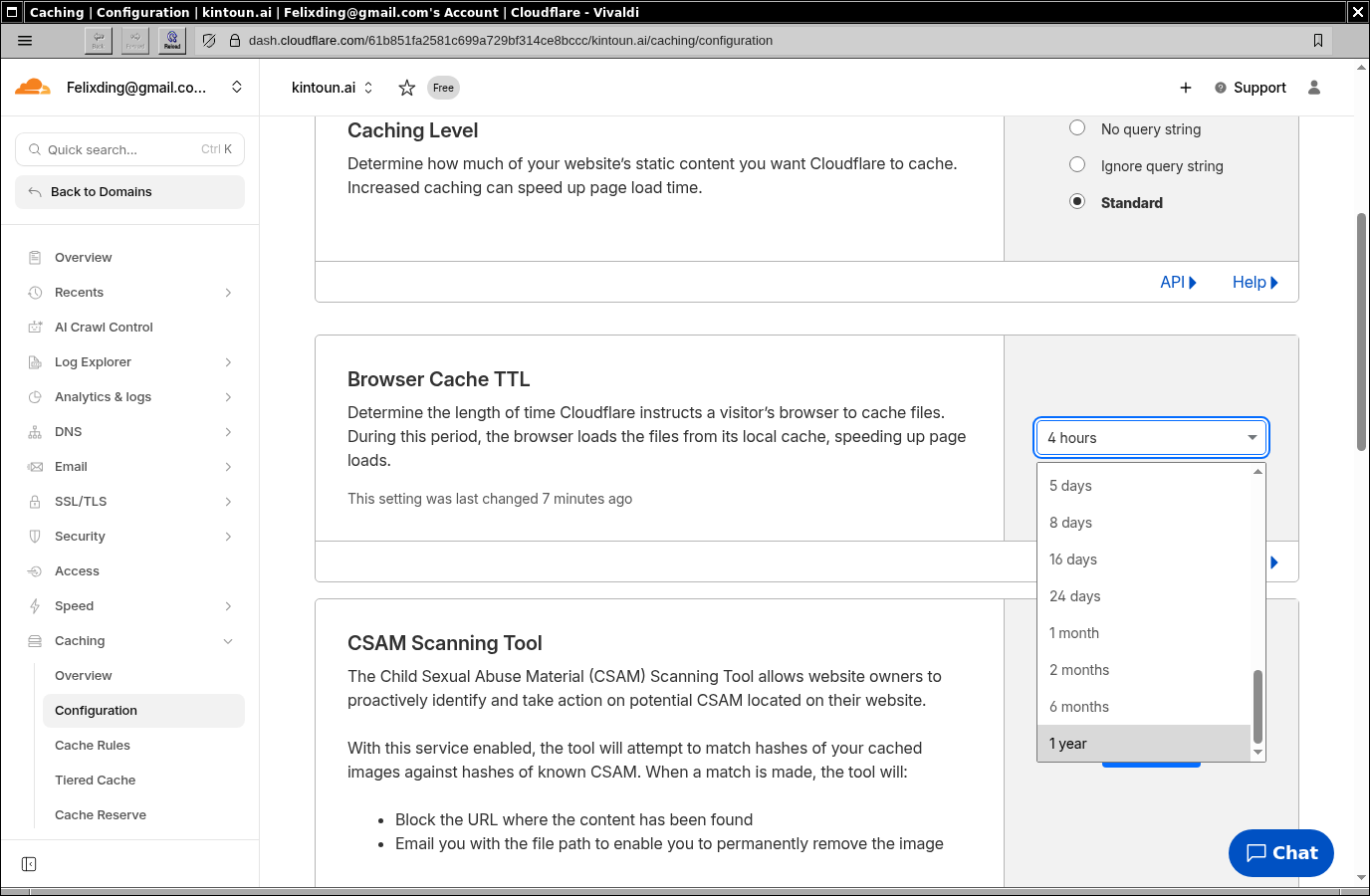 Cloudflare browser cache TTL setting
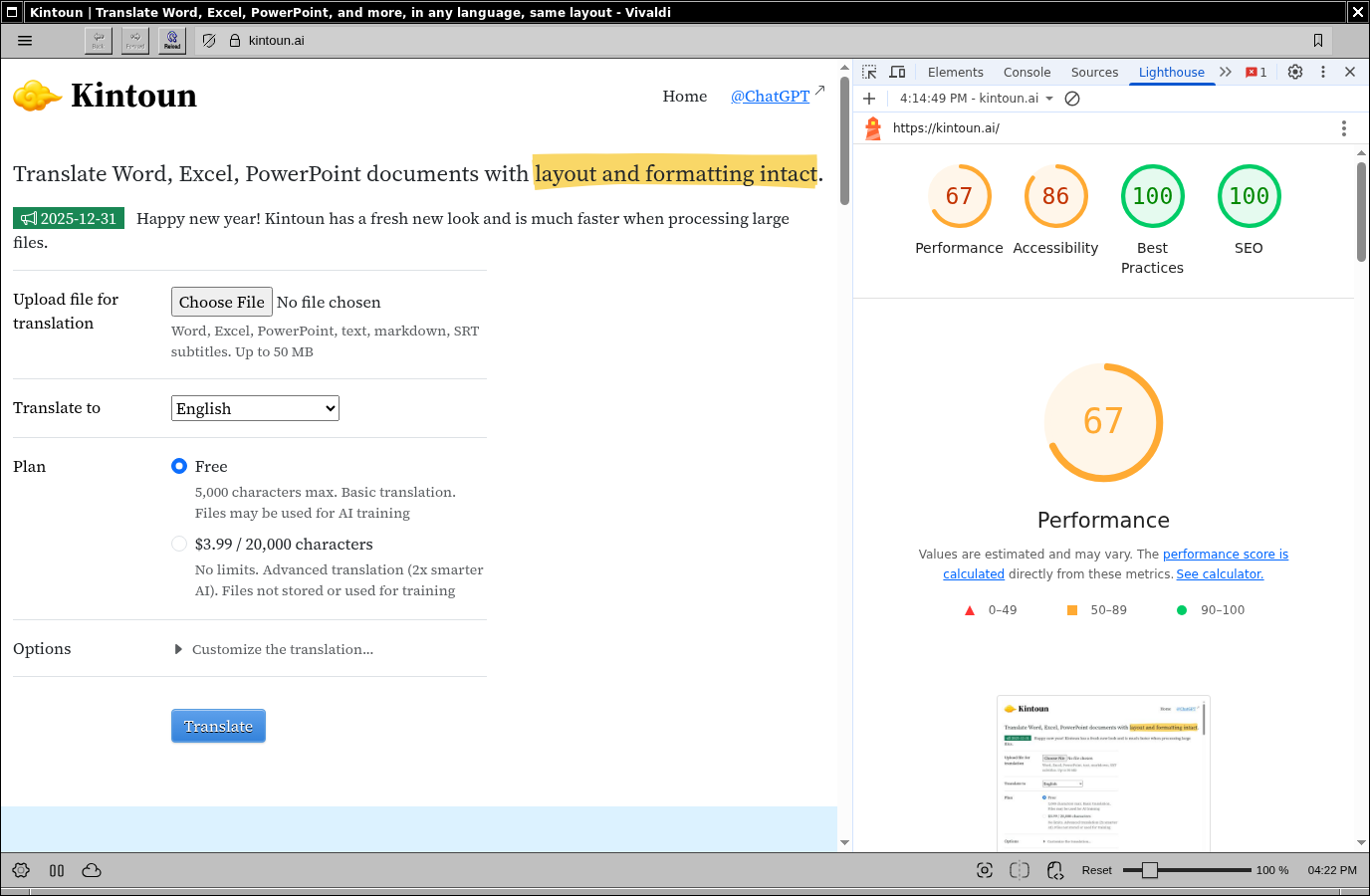 Lighthouse score after cache fix: 67
3. Shrink images
With caching sorted, I moved on to the next issue: images.
Lighthouse also suggested I switch to WebP from PNG to drastically reduce file size. I know PNGs are big but I hated WebP - nothing worked with it except Chrome. By nothing I mean not only browsers but also tooling for web development and the operating system. At least that’s my impression a few years back.
That being said, numbers are numbers so I decided to try WebP again.
I first created a Mac OS quick action called WebPify using Automator so I can convert any images to WebP directly in Finder without repeatedly executing cwebp with all the command line options in iTerm 2. To use it, just select some files then choose “Quick Actions - WebPify”:
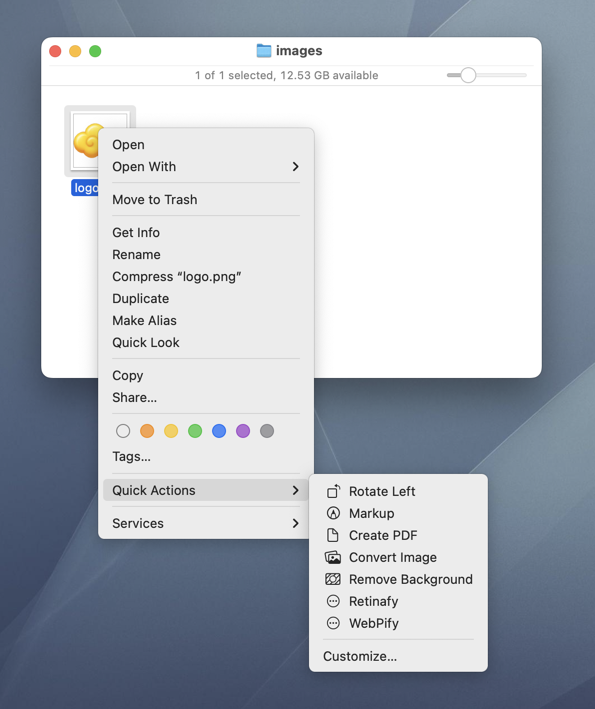 WebPify on Mac OS
If you want to directly use cwebp, the trick is to add -lossless and -icc options, otherwise you’ll find the converted WebP images look much different from the original:
/opt/homebrew/bin/cwebp -lossless -metadata icc -exact -quiet input.png -o input.webp
Sidenote: if you want to stick to PNG or JPG, you may want to check out Retinafy, the other quick action I wrote to help you quickly generate 1x and 2x images.
After switching to WebP, the image size decreased from 11.6 MB to 3.6 MB, and the Lighthouse score went from 67 to 73. And to my surprise, Mac OS now has very nice native support for WebP.
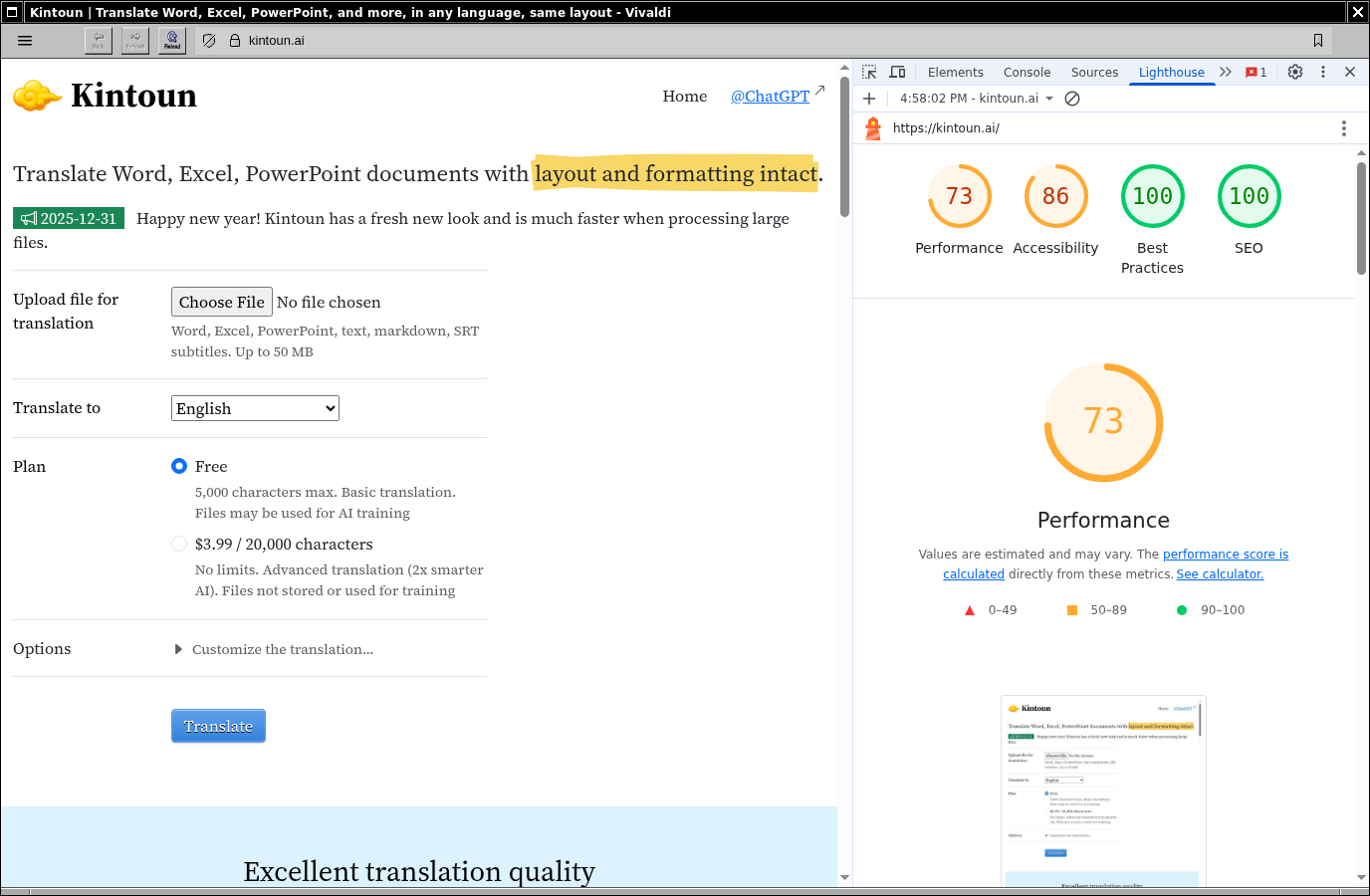 Lighthouse score after switching to WebP: 73
4. Reduce script requests
While reviewing the network requests, I noticed that each of my Javascript components was compiled separately and loaded on demand in the browser by a dispatcher component. I must have disabled eager-loading in Inertia.js for debugging and forgot to revert the changes. I used to bundle ALL Javascript files into one big bundle to save HTTP requests, but with HTTP/2 being everywhere now, it doesn’t really matter whether there’s one request or more. Still, I re-enabled eager-loading to have one big Javascript bundle because I simply don’t want to expose my component names.
Then I re-ran Lighthouse anyway, and of course the score didn’t change. But not all optimizations are about the score - sometimes you have other reasons.
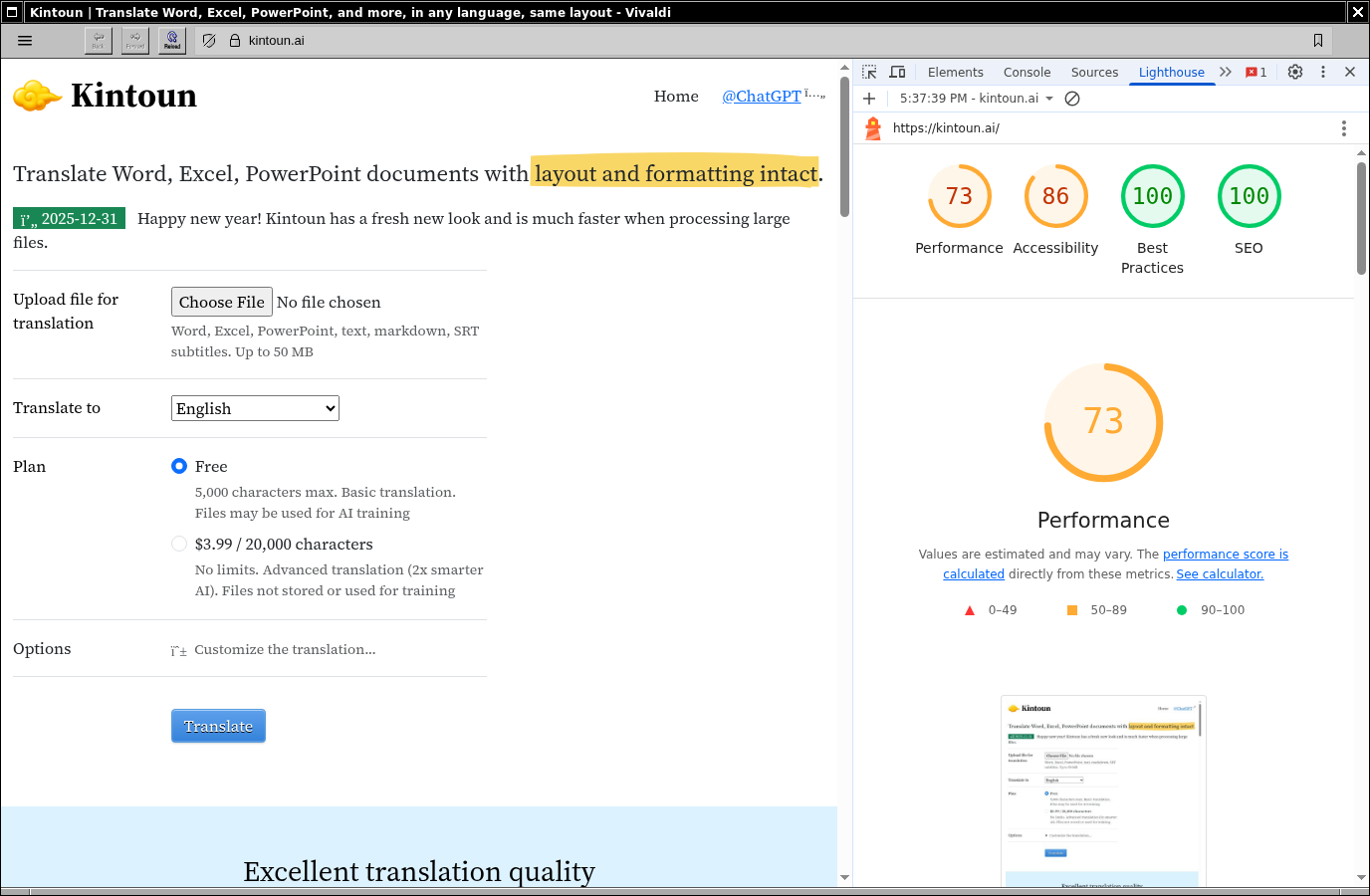 Lighthouse score after bundling Javascript: unchanged
5. Improve accessibility
With performance addressed, I turned to accessibility. The next easy fix is aria labels. I first came across the aria-label attribute in Bootstrap and knew it had something to do with accessibility, but never bothered to actually learn what it was.
Turns out ARIA stands for Accessible Rich Internet Applications, a web standard that “defines a way to make web content and web applications more accessible to people with disabilities”. It defines a bunch of attributes like aria-label, aria-labelledby, and aria-hidden. Refer to MDN if you want to learn more.
Anyway, I asked Claude Code to add missing aria-labels. The accessibility score went from 86 to 96 (the screenshot shows 93 as some were still missed - once they were all fixed, it reached 96).
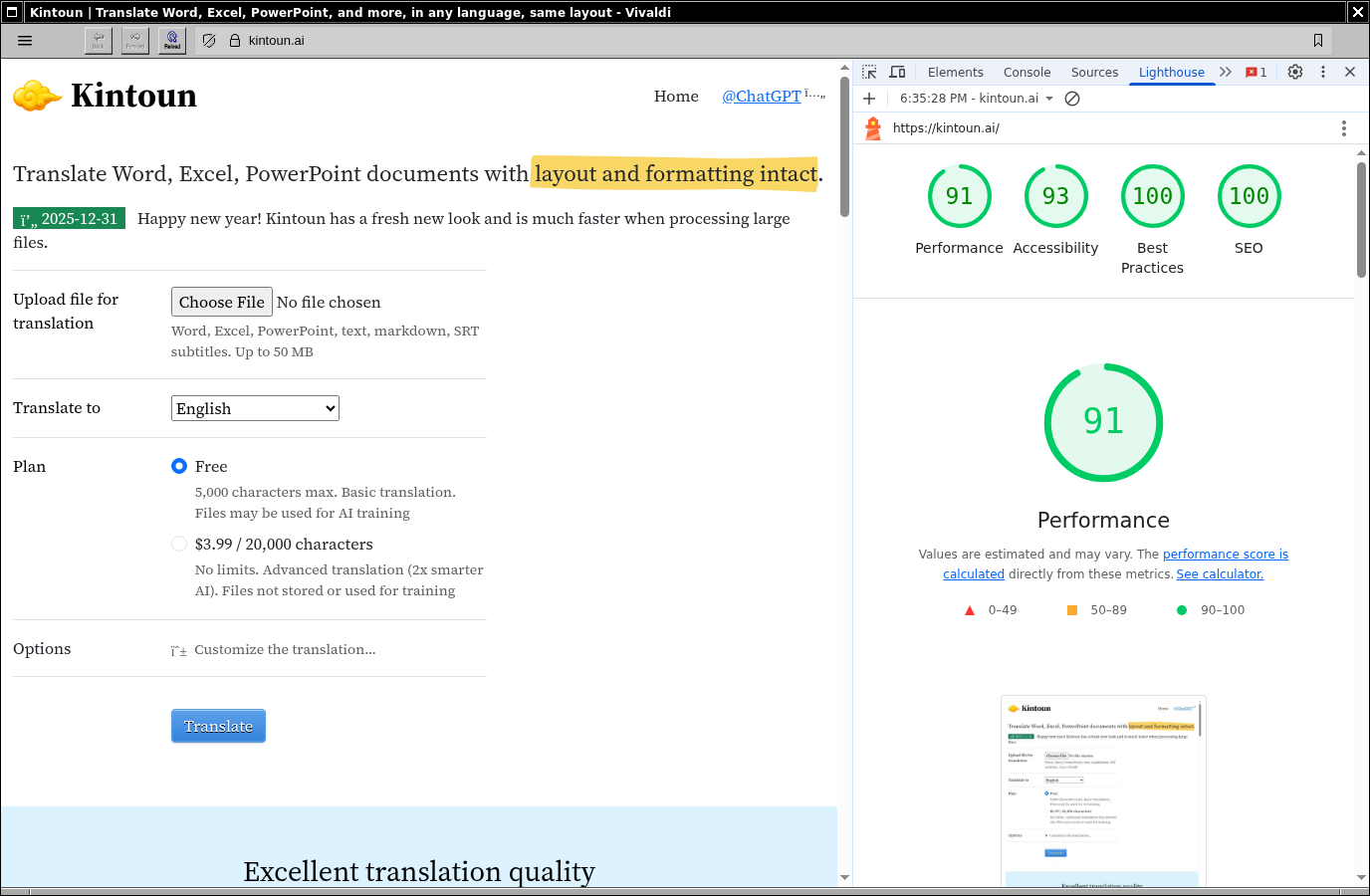 Lighthouse score after adding aria-labels: accessibility 96
6. Speed up page rendering
Now for some more obscure optimizations. By default, Bootstrap Icons uses font-display: block; which blocks page rendering until the font is downloaded, which in turn drags down the First Contentful Paint (FCP).
FCP, as the name suggests, measures how long it takes to show anything in the browser. The shorter the better, so anything blocking page rendering should go.
To fix this, I simply overrode it with font-display: swap;:
/* Bootstrap Icons with font-display: swap override */
@import "bootstrap-icons/font/bootstrap-icons.css";

@font-face {
  font-display: swap;
  font-family: "bootstrap-icons";
  src: url("bootstrap-icons/font/fonts/bootstrap-icons.woff2?e34853135f9e39acf64315236852cd5a") format("woff2"),
       url("bootstrap-icons/font/fonts/bootstrap-icons.woff?e34853135f9e39acf64315236852cd5a") format("woff");
}
This technically speeds up the user-perceived page rendering, but in fact it didn’t make much of a difference in Lighthouse:
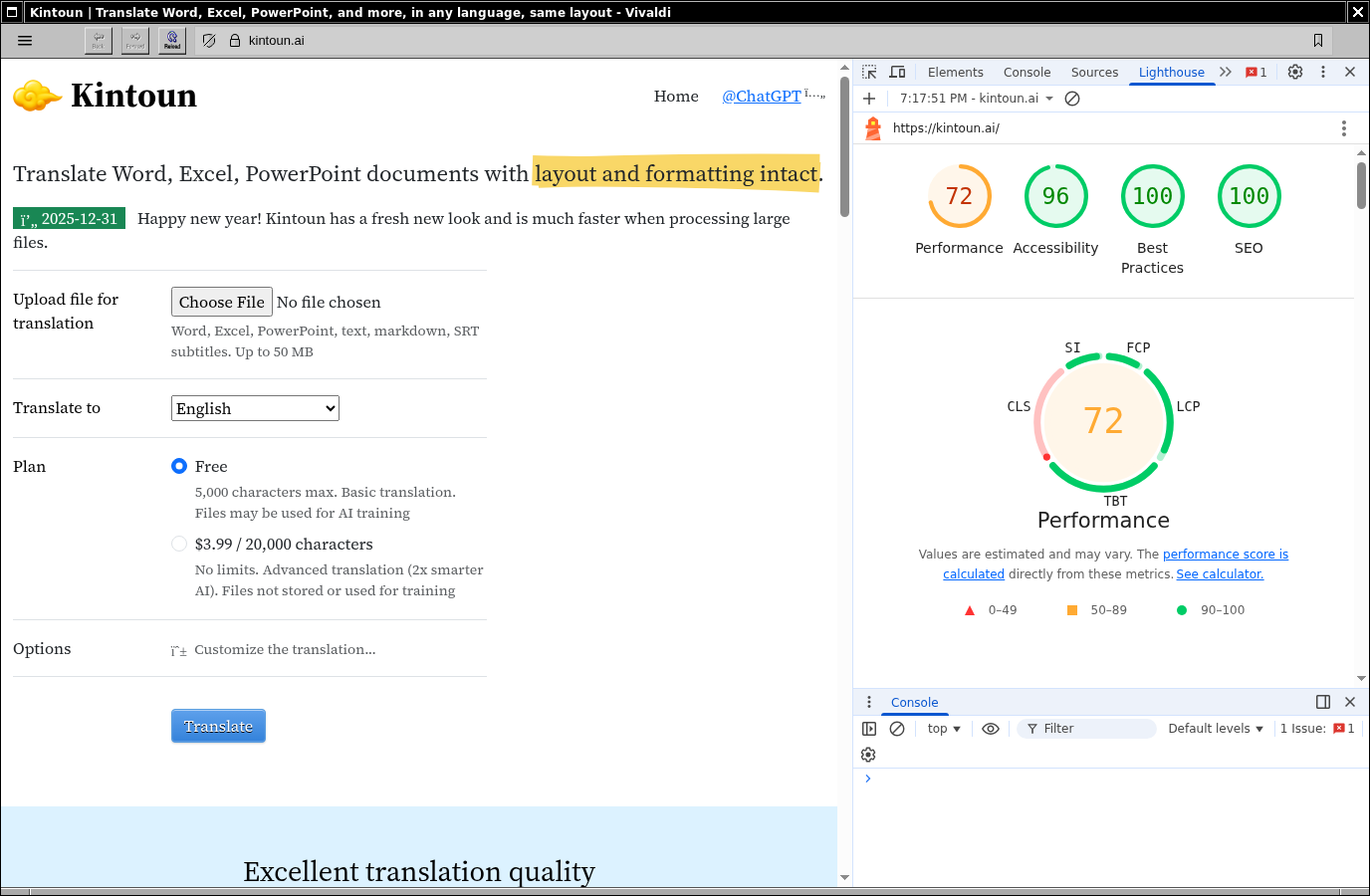 Lighthouse score after font-display swap: minimal change
7. Reduce layout shift
The final improvement - and the one that made the biggest difference - was fixing Cumulative Layout Shift (CLS). I didn’t know this term until now. CLS happens when the page layout shifts because of content or style changes during loading. You know how sometimes a big image suddenly appears, making the text below jump down? That’s CLS.
For Kintoun, two things were causing CLS: Google Fonts and images without specified sizes.
Unlike Bootstrap Icons, Google Fonts uses font-display: swap; by default. It doesn’t block rendering, but it causes layout shift. Since Kintoun is a tool rather than a content-heavy site (like The New Yorker), I went with font-display: optional - performance over aesthetics.
# part of my Slim template
# notice I replaced display=swap with display=optional

link rel="preconnect" href="https://fonts.googleapis.com"
link rel="preconnect" href="https://fonts.gstatic.com" crossorigin="anonymous"
link href="https://fonts.googleapis.com/css2?family=Noto+Serif+JP:wght@200..900&family=Source+Serif+4:ital,opsz,wght@0,8..60,200..900;1,8..60,200..900&display=optional" rel="stylesheet"
For images, I found you can tackle CLS by specifying the aspect ratio instead of hard-coding width and height:
img {
  border: none;
  height: 2rem;
  width: auto;
  aspect-ratio: 200 / 129; // 200x129
}
After these changes, the Lighthouse score jumped from around 72 to 86!
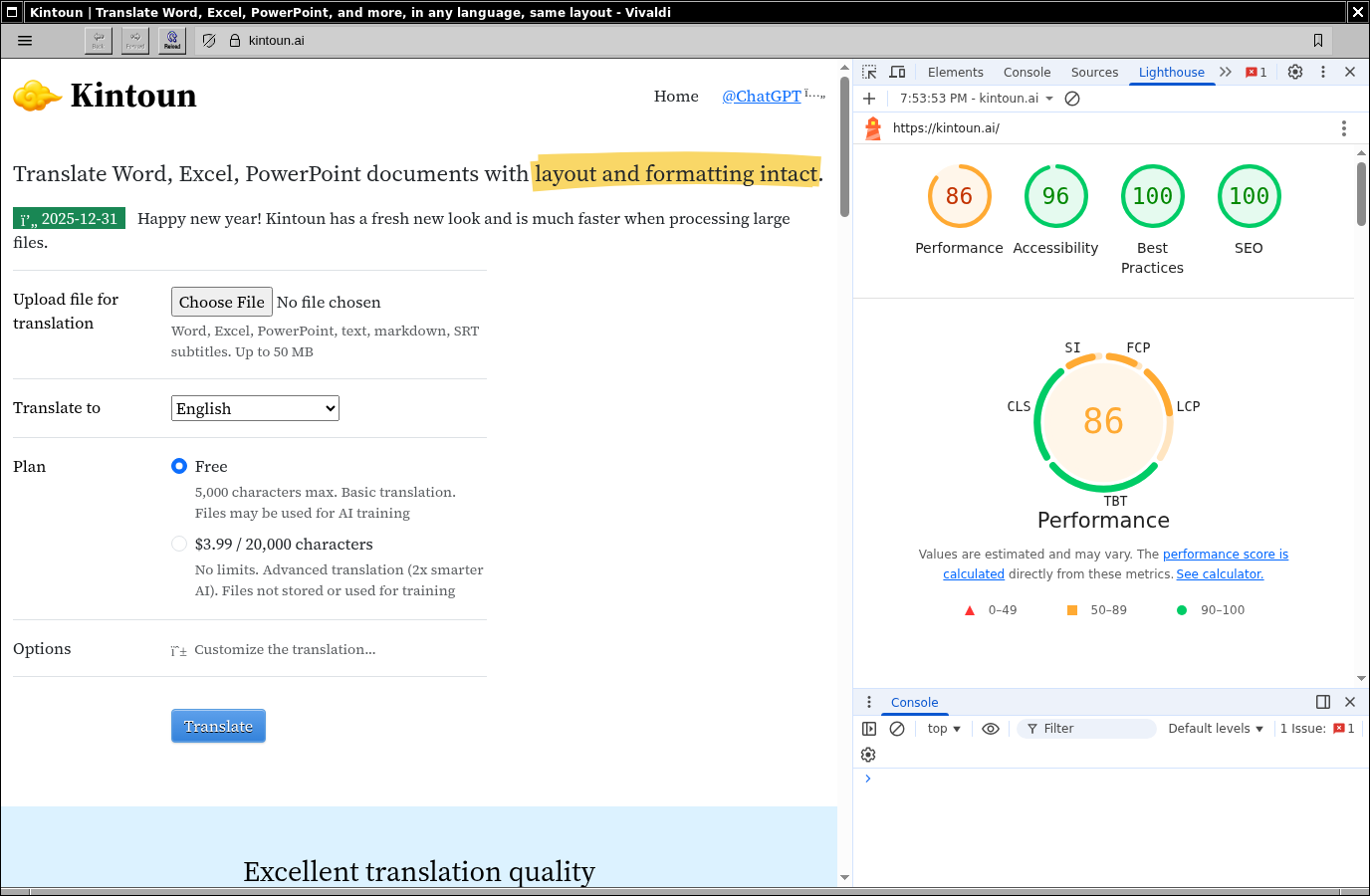 Lighthouse score after CLS fixes: 86
Wrap up
With all these improvements, the score went from 58 to 86. Far from perfect, but good enough for now.
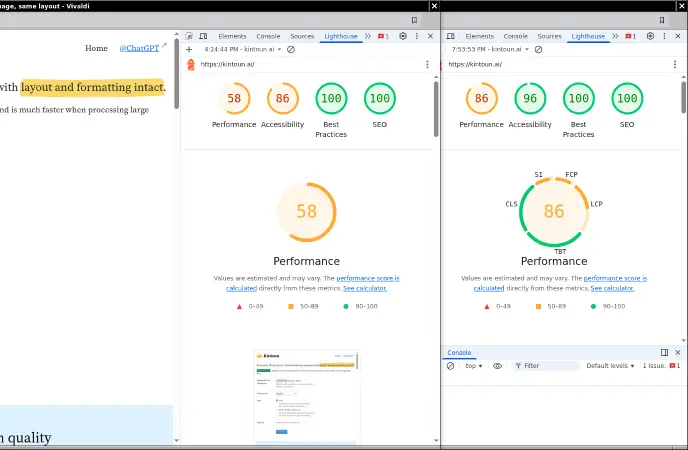 Before vs after: 58 → 86